In order to provide Ad-Hoc Apple Mac Support remotely or onsite we insist that;
- The end User has complete and total backups*, copies of all their work and at least two additional offsite backups of their entire Mac and anything that it relies on, such as licenses, logins, passwords, data, email, etc… before we will touch your Mac.
We will require to sign a data protection form to confirm this before we start any support.
- An account is opened with JRP Digital and support hours are purchased in advance in a block of 8 working hours. If more time is needed we will ask you to purchase more support hours blocks. We will supply a statement at the end of each support task completion.
- Remote support requires installation of TeamViewer on your Mac and a decent broadband speed to facitllaite remote access.
- You must be available at all times whilst this support is in action. No response within 15 minutes will result in the clock being reset and the session restarted from new.
- Everyone’s business, Apple Mac Support, software, working practice and needs are different. Each session may require an hours to investigate and record the status of your system before we begin and advice or action.
- When it comes to business, networks, complex systems or servers then an onsite is essential before we start any support work as we need the whole picture.
Contact Us for Ad-Hoc Remote Support
*This may be done with TimeMachine or other software utilities and services.
We are happy to put you in contact with our acreddited Apple Mac Repair agents who we use ourselves form our business and corporate clients.
Repairing such devices is a singular expert skillset and a dedicated electronics engineer with years of experience.
Contact Us for Apple Mac repairs
 Do you Help Businesses? YES!
As System Architects, JRP Digital has excelled for the past 35 years in underpinning the needs of SME Companies of more than 20 employees with the challenges they face with logistics, hardware and resilience in the competitive business environment.
Do you support Freelancers? No.
Your typical use may be covered by the companies your work for or the software and hardware suppliers of the equipment you purchased.
Apple resource: Apple Support (official site)
Do you help Home Users or Students? No.
Your everyday use can be covered by AppleCare and Apple Support warranty for your home Hardware. As a Student you Helpdesk is your first port of call 🙂
Apple resource: Apple Support (official site)

JRP Digital – Mac Business Case Study
The quickest way is the Mac & PC Support Contact page, which lists direct phone and email details for the Leeds team.
Existing clients with an active issue should use the IT Support Ticket system so requests are logged, prioritised and tracked to resolution. For general queries about coverage in your area, the IT Services in Leedspage has location and response-time details.
You can also call 0113 266 5146 directly during business hours. For anything specifically about Apple hardware warranty or repairs rather than our managed IT support, Apple’s own support options are available directly from Apple.
Apple resource: Apple Support (official site)
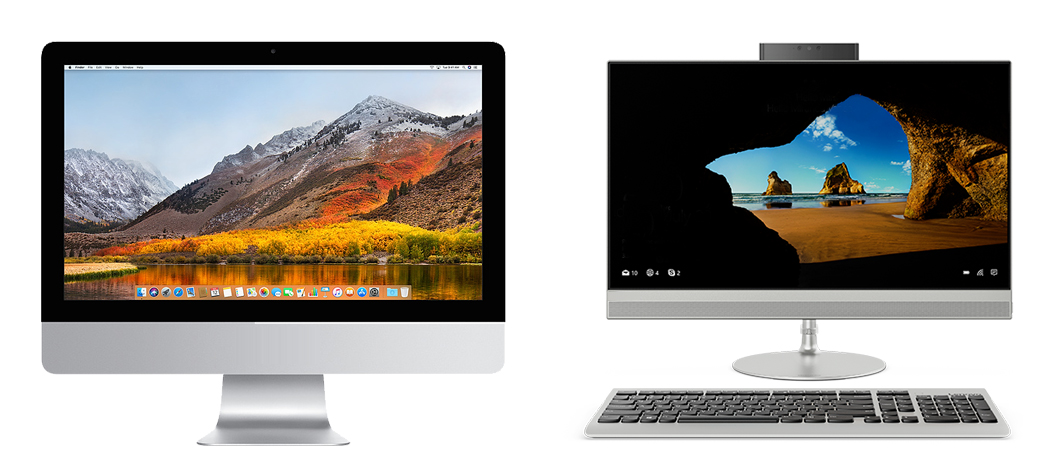
JRP Digital IT Technology and Creativity using Apple Mac and Windows PC
Yes. JRP Digital plans and runs Windows-to-Mac migrations so your team keeps working with minimal disruption, including moving files, email, printers and shared drives across to the new environment.
This work sits under Apple Mac and Windows Systems Support and Business Mac Computer Support Leeds, and clients moving several users at once often review our Customer Testimonials to see how similar migrations went for other UK businesses.
Migrations typically use Apple’s own Migration Assistant tool where practical; Apple’s support article on transferring data explains how the underlying process works on the Mac side.
Apple resource: Transfer to a new Mac with Migration Assistant (Apple Support)

JRP IT Mac Support Pricing Computer Contracts for Apple Mac systems.
Apple Mac IT support Cost can depend on the number of devices, whether you need on-site visits, remote-only cover, or a full managed service, and how quickly you need issues resolved.
Our Pricing page gives indicative rates, and most businesses settle on one of our IT Support Contracts for a fixed monthly fee. For a tailored quote, the Mac & PC Support Contact page has direct details for a free consultation.
Businesses also covering Apple hardware warranty and repairs may want to compare this with Apple’s own AppleCare+ for Business plans, which handle device-level repairs rather than day-to-day IT management.
Apple resource: AppleCare+ for Business plans (Apple Support)
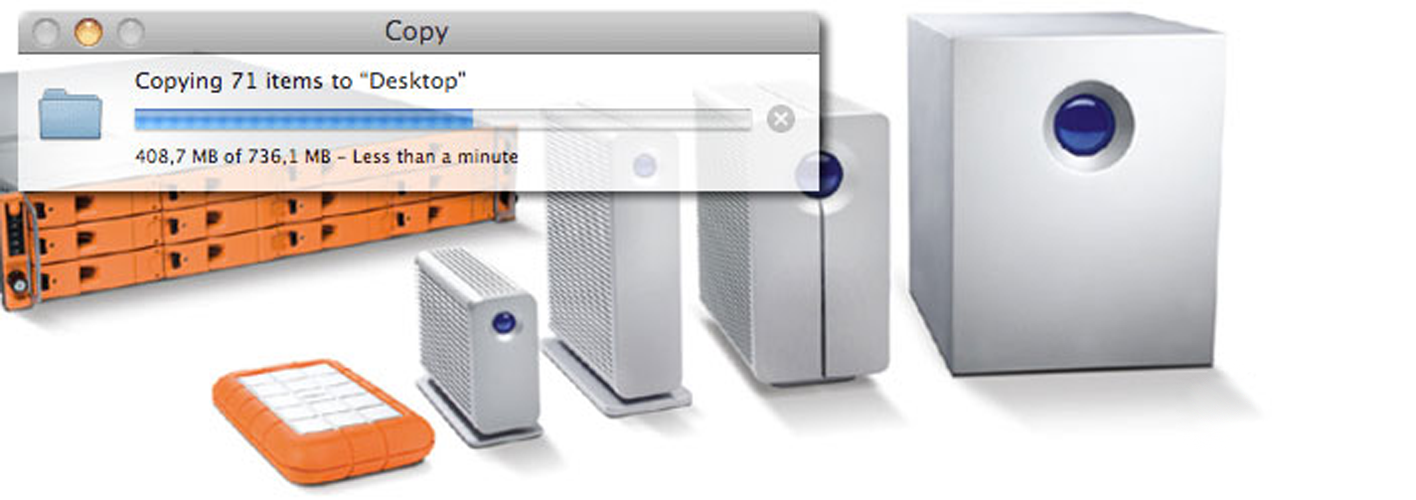
Mac and Windows Servers
JRP Digital builds layered backup strategies combining local Time Machine backups, server-based backups and off-site disaster recovery, so a single failure never means lost data.
Our Disaster Recovery Backup Support page covers business continuity planning, while Retrospect Backup details the enterprise-grade software we deploy for scheduled, verified backups across Mac and Windows. This sits alongside the wider infrastructure work on our Server Administration page.
For Apple’s native backup tool, see Apple’s support article on backing up your Mac with Time Machine, which underpins the local layer of most setups we manage.
Apple resource: Back up your Mac with Time Machine (Apple Support)
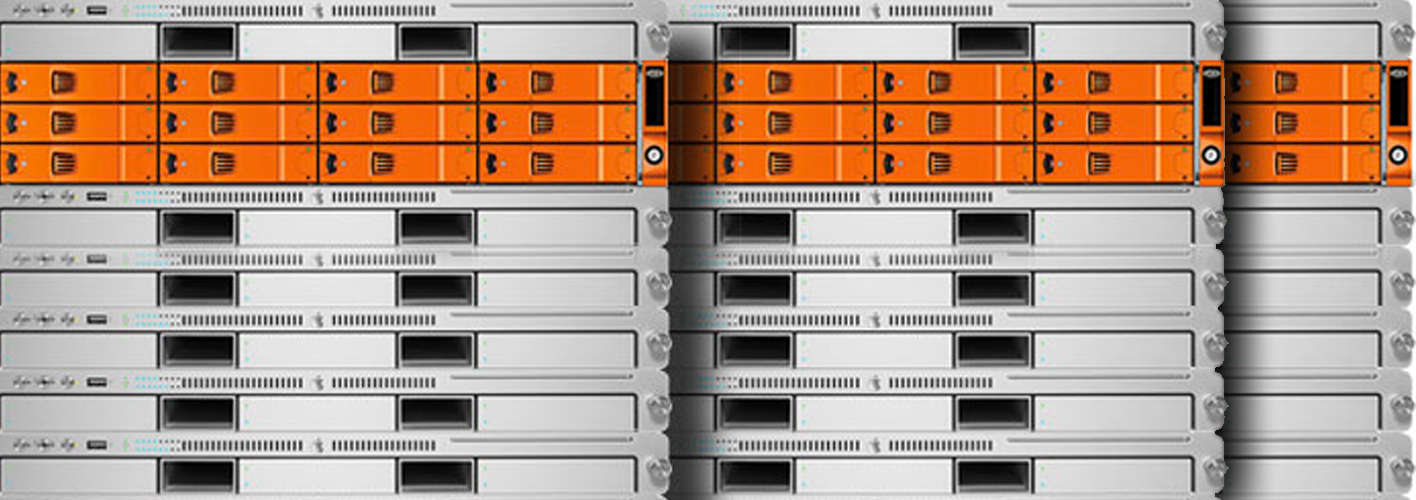
Servers for Mac and Windows
Yes. JRP Digital designs, installs and administers servers for businesses running Mac, Windows or hybrid networks, covering file servers, print servers, VPN access and remote login configuration.
Our Server Administration page details ongoing management options, pairing with the network design covered on Mac and Windows Computer Networking. Businesses wanting a fixed monthly cost for server monitoring typically move onto one of our IT Support Contracts.
or Mac-specific remote access configuration, Apple’s documentation on allowing remote connections to a Mac is a useful technical reference alongside our server work.
Apple resource: Allow a remote computer to access your Mac (Apple Support)

JRP Digital I.T. Technology and Creativity
Yes. Most issues are resolved via. Remote Support first.
Our Remote IT Support connects to Mac and Windows machines securely to diagnose and fix problems in real time, without waiting for a site visit. If a fault is hardware-related, we log it through our IT Support Ticket system and schedule an on-site visit when needed, with updates via our Mac & PC Support Contact page throughout.
Remote support covers software troubleshooting, updates, network issues and most day-to-day user problems. For anyone curious how this works natively, Apple’s guide to sharing the screen of another Mac explains the built-in tools our engineers build on.
Apple resource: Share the screen of another Mac (Apple Support)

JRP SUPPORT – Apple Mac Systems MSP
JRP Digital is based in Leeds and provides on-site Apple Mac IT support across Leeds, Yorkshire and the wider UK, backed by remote support for anything that doesn’t need a site visit.
Our IT Services in Leeds page sets out coverage and typical response times, and the Mac & PC Support Contact page has direct phone and email details so you can check availability before booking an engineer.
Outside easy reach of an engineer, our Remote IT Support handles most day-to-day issues without a site visit. For Apple hardware repairs specifically, Apple’s own repair locator can confirm your nearest authorised service options.
Apple resource: Start a repair (Apple Support UK)